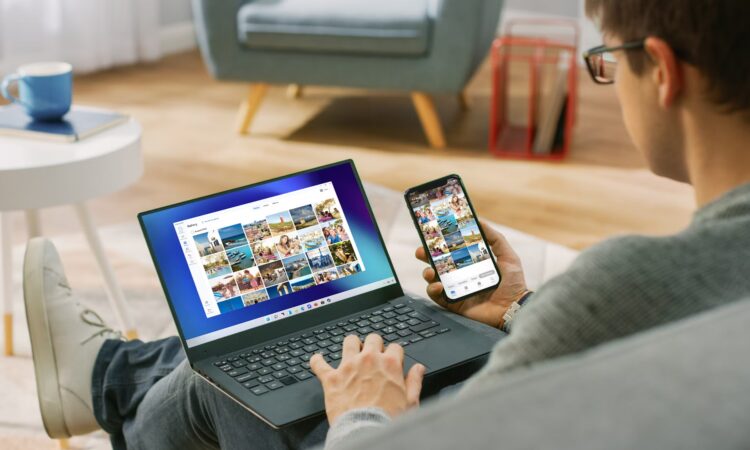
Transferring photos from a smartphone to a computer should be a simple task, but it can sometimes feel more complicated than expected. Whether you’re trying to save vacation pictures, back up important memories, or free up storage space on your device, there are several ways to move images between devices quickly and efficiently.
The process can become especially challenging when your phone and computer use different operating systems. While devices within the same ecosystem often work together seamlessly, transferring files across different platforms may require extra steps. Many people have experienced the frustration of sending photos to themselves, juggling multiple applications, or searching for the right cable just to move a handful of pictures.
Beyond convenience, photo transfers can sometimes create other issues. Images may lose quality during the sharing process, duplicate files can pile up across devices, and the overall task may take longer than anticipated. Fortunately, there are several reliable methods that make transferring photos much easier.
Before choosing a transfer method, it helps to consider a few important factors. Ease of setup is one of the biggest considerations. A good solution should allow you to connect your devices quickly without requiring a lengthy configuration process every time you want to move files.

Security is another important factor. Personal photos often contain private moments and sensitive information. Whenever possible, choose methods that provide strong protection for your data and limit unnecessary exposure to third parties.
Functionality also matters. Some transfer methods only support one-way movement of files, while others allow you to send photos in both directions. It’s helpful to choose a solution that works consistently across multiple devices and operating systems so you don’t have to remember different procedures for different situations.
Convenience can make a huge difference in day-to-day use. Wireless transfer methods eliminate the need to carry cables or adapters, making it easier to share files whenever and wherever needed. The simpler the process, the more likely you are to use it regularly.
One of the most common ways to transfer photos is by using a USB cable. A direct wired connection allows your phone to appear as a storage device on your computer, giving you access to your files without relying on an internet connection.
Before connecting your devices, check that you have the correct cable and any necessary adapters. Once connected, unlock your phone if required and allow the computer to access the device.
Using a file management application, you can browse your phone’s storage, locate your photo folders, and copy images to a location on your computer. This method provides full control over which files are transferred and where they are saved.
Many computers also include built-in photo management tools that simplify the import process. These applications can automatically detect connected devices, display available photos, and guide you through importing selected images into your preferred folder.
After transferring files with a cable, it’s always a good idea to safely disconnect the device before unplugging it. This helps prevent file corruption and ensures all data transfers have completed properly.
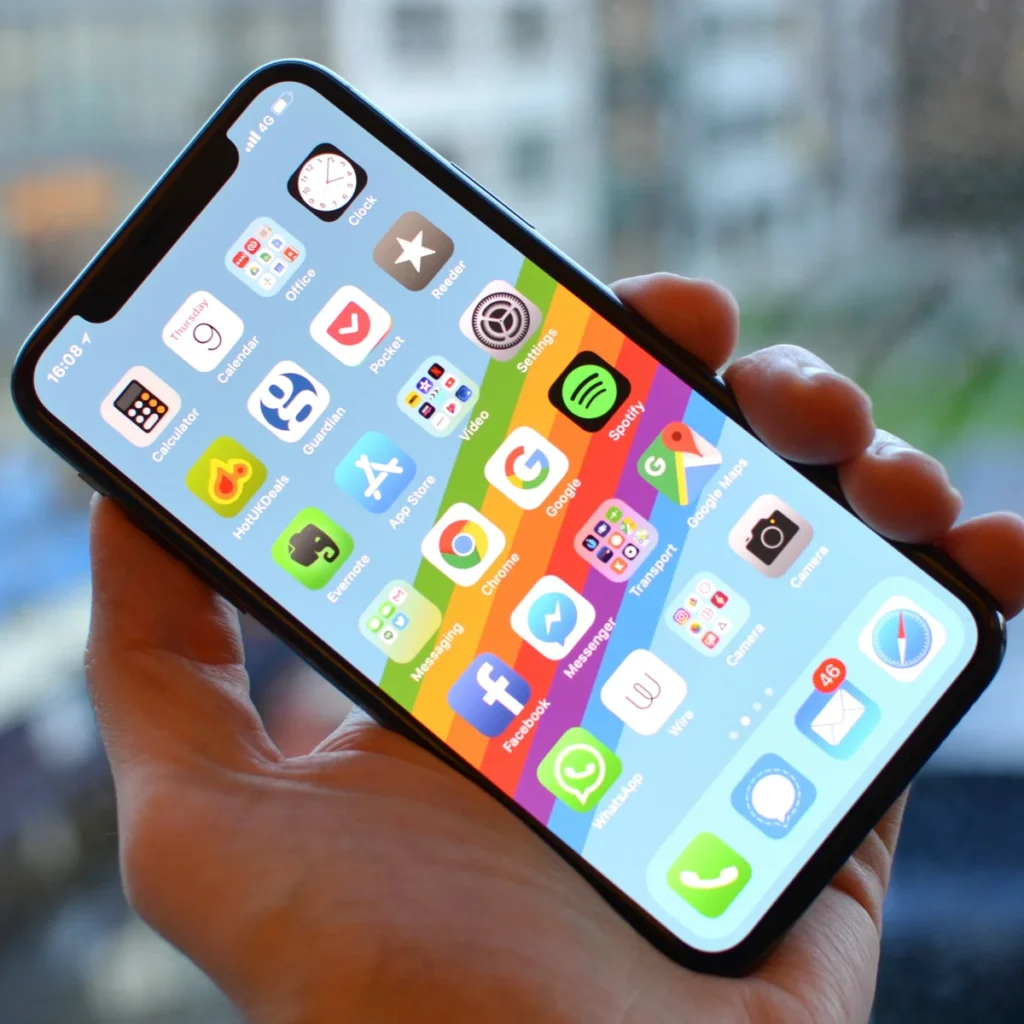
Cloud-based storage services provide another popular option. These platforms automatically synchronize photos from your phone, allowing you to access them from multiple devices. Once your images have been uploaded, you can sign in from your computer, browse your photo library, and download the files you need.
The cloud approach is convenient because it doesn’t require physical connections between devices. As long as your photos are backed up and both devices have internet access, you can access your images from almost anywhere.
When using online storage services on a shared or public computer, remember to sign out of your account after downloading files. This simple step helps protect your privacy and prevents others from accessing your personal content.
Ultimately, the best transfer method depends on your needs. Direct cable connections offer speed and complete control, while wireless and cloud-based solutions provide flexibility and convenience. By choosing a method that matches your workflow, you can move photos between your phone and computer quickly, securely, and with far less hassle than many people expect.