If you are tired of your operating system trying to upsell you a cloud subscription while you are just trying to open a calculator, I have some fantastic news for you. The desktop computing landscape is shifting, and the open-source community is delivering a massive breath of fresh air.
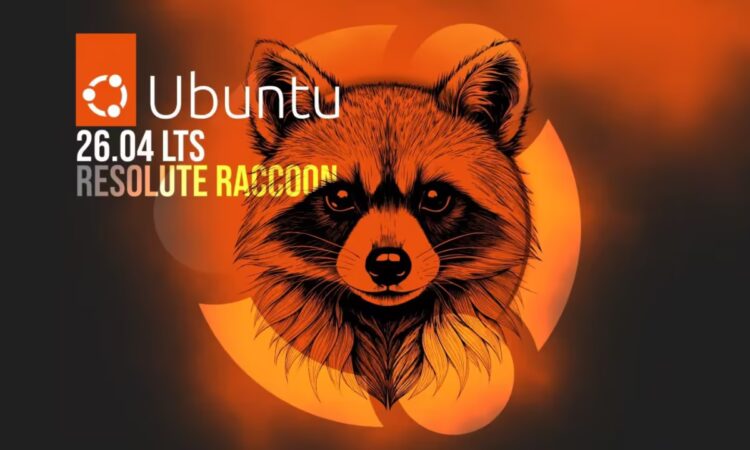
This Thursday, April 23, 2026, Canonical is officially releasing Ubuntu 26.04 LTS.
Code-named “Resolute Raccoon,” this is a Long Term Support release. That means if you install it today, Canonical guarantees security patches and system updates all the way through 2031. With the impending death of Windows 10 later this year, there has never been a better time to wipe your hard drive and make the jump to Linux.
I have been digging through the official release notes and developer previews. Here is a factual, human-friendly guide to everything new and exciting in the Ubuntu 26.04 desktop experience.
1. GNOME 50 and the Death of X11
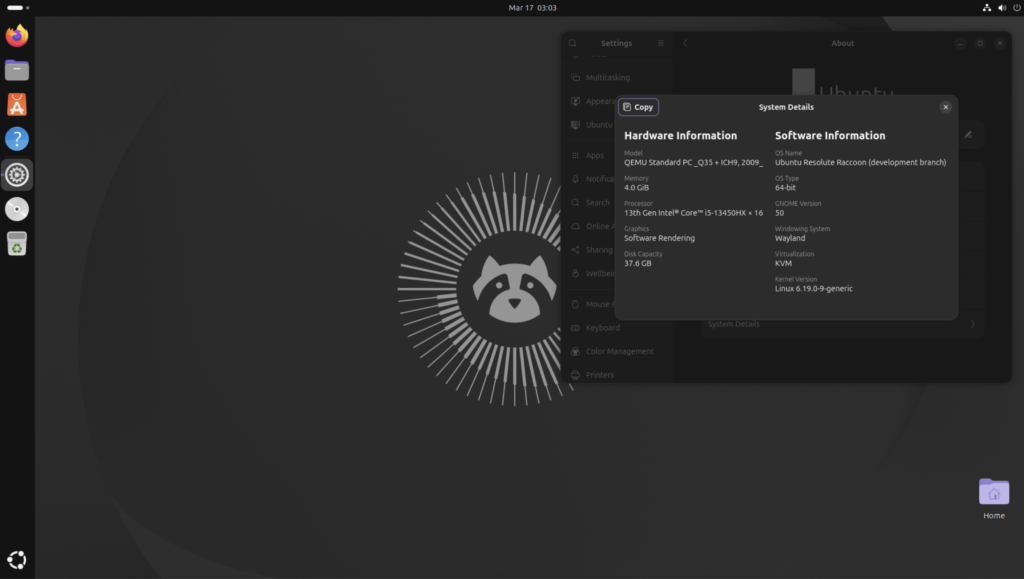
For years, the Linux desktop has been slowly transitioning from the ancient X11 display server to the modern, smoother Wayland protocol. With Resolute Raccoon, Canonical is finally pulling the plug.
Ubuntu 26.04 LTS ships with the brand-new GNOME 50 desktop environment, and the legacy X11 GNOME session has been completely removed. It is Wayland or bust. While some legacy power users might grumble, the result is an undeniably smoother, tear-free desktop experience. Multimonitor setups behave beautifully, touchscreen scrolling is flawless, and the notoriously clunky Nvidia driver support under Wayland has finally been ironed out to run smoothly.
2. Rewriting the Rules in Rust
If you look under the hood of Resolute Raccoon, you will notice a massive architectural shift: Ubuntu is officially embracing Rust.
Rust is a modern programming language famous for its memory safety, which inherently blocks entire categories of security vulnerabilities. In 26.04, foundational system tools have been ripped out and replaced with Rust alternatives:
- Sudo-rs: The legendary sudo command (which grants you administrator privileges) has been entirely rewritten. As a fun bonus, password feedback (the little asterisks that show up when you type your password) is now enabled by default, saving beginners from thinking their keyboard is broken.
- Uutils: The core GNU utilities are being swapped for Rust-based versions, providing a faster, vastly more secure foundation.
3. The Brand New “Resources” App
Say goodbye to the old, clunky System Monitor. GNOME 50 introduces “Resources,” a gorgeous new application built from the ground up to track what your computer is actually doing.
Because we are living in 2026, Resources does not just track your CPU and memory. It natively tracks your GPU usage (including video encoding and decoding stats) and your NPU (Neural Processing Unit) usage. If you bought an “AI PC” recently, you can finally open Resources and see if your hardware is actually handling those local language models, or if it is just sitting idle.
“Resources represents a massive leap forward for transparency. It groups background processes into clean, readable apps, letting you instantly identify exactly what is draining your battery.”
Note: The default video player has also been swapped. The aging “Totem” app is gone, replaced by the sleeker, more format-friendly “Showtime.”
4. The 6GB RAM Reality Check
Here is the one piece of news that has the Linux community buzzing. Canonical has officially bumped the system requirements. To run Ubuntu Desktop 26.04 LTS comfortably, you now need a minimum of 6GB of RAM and a 2 GHz dual-core processor.
Ironically, this means Ubuntu’s paper requirements are now slightly higher than the 4GB minimum for Windows 11. However, context is everything. While Windows 11 uses 4GB of RAM to run background telemetry and struggle through basic menus, Ubuntu utilizes that 6GB to provide an incredibly snappy, secure, and developer-ready environment.
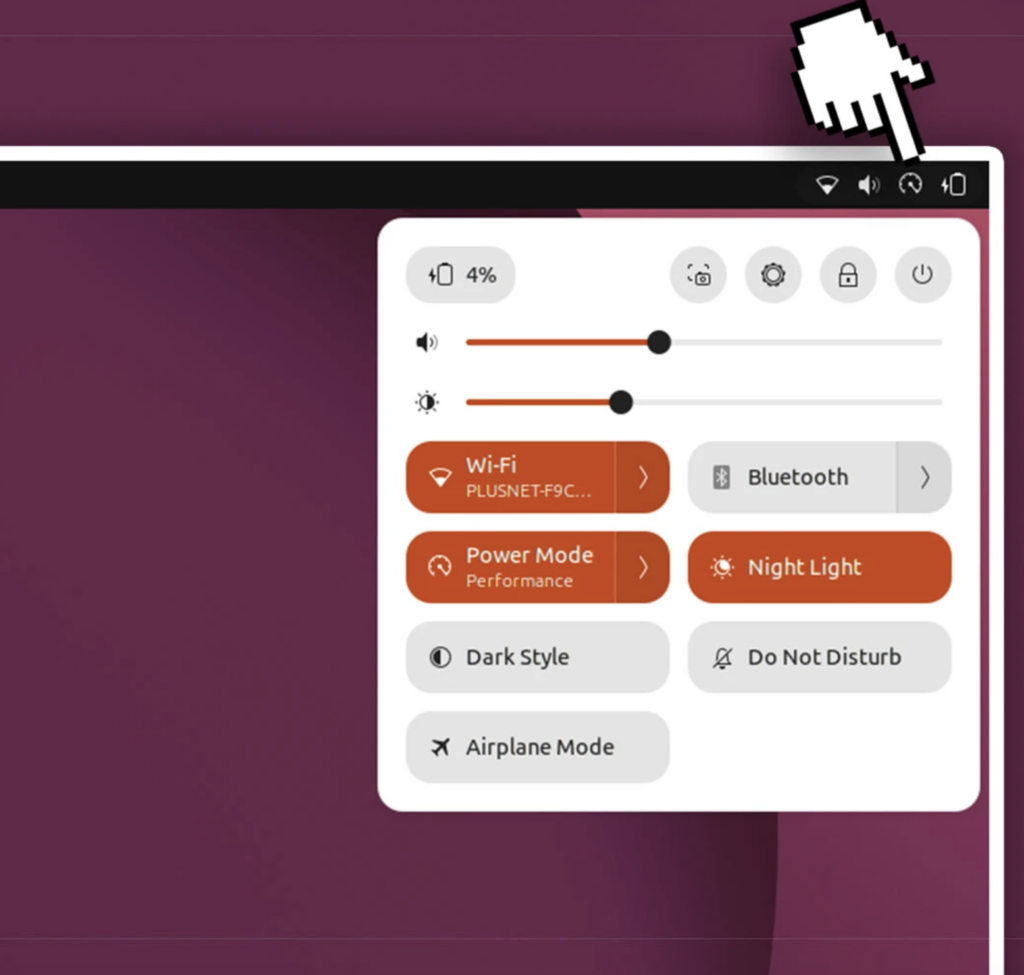
Furthermore, the new battery-aware Power Profiles Manager automatically adjusts hardware optimization levels when you unplug your laptop, making that hardware utilization highly efficient.
5. Kernel 7.0 and Quantum Security
You cannot talk about a new Linux distribution without mentioning the kernel. Ubuntu 26.04 LTS leaps forward to Linux Kernel 7.0 (replacing the 6.8 kernel from the previous LTS).
From a security standpoint, the updates are genuinely futuristic. Systems utilizing full disk encryption via TPM will now smoothly prompt for recovery keys during firmware updates. More impressively, the system’s OpenSSL library has been updated to support Post-Quantum Cryptography (PQC) algorithms. Even if quantum computers manage to crack traditional encryption in the next five years, your Resolute Raccoon installation is already heavily fortified against the threat.
Quick Reference: The LTS Evolution
If you are currently running the previous LTS version, here is a quick look at exactly what changes when you hit the upgrade button this Thursday:
| Feature | Legacy System (24.04 LTS) | Resolute Raccoon (26.04 LTS) |
| Desktop Environment | GNOME 46 | GNOME 50 |
| Display Server | Wayland (X11 optional) | Wayland Only (X11 removed) |
| System Monitor | Legacy System Monitor | “Resources” (Rust-based, NPU tracking) |
| Linux Kernel | Kernel 6.8 | Kernel 7.0 |
| Core Utilities | C-based legacy tools | Rust-based (sudo-rs, uutils) |
| Minimum RAM | 4 GB | 6 GB |
Whether you are a seasoned developer looking for a stable coding environment, or just an average computer user tired of forced reboots and advertising in your Start Menu, Ubuntu 26.04 LTS is a phenomenal piece of software. Grab a USB drive, back up your files, and get ready to meet the Raccoon.