You check your credit card statement and there it is again. Another $20 monthly charge for ChatGPT Plus, or maybe Claude Pro. Tech giants have successfully convinced us that renting server space is the only way to access artificial intelligence.
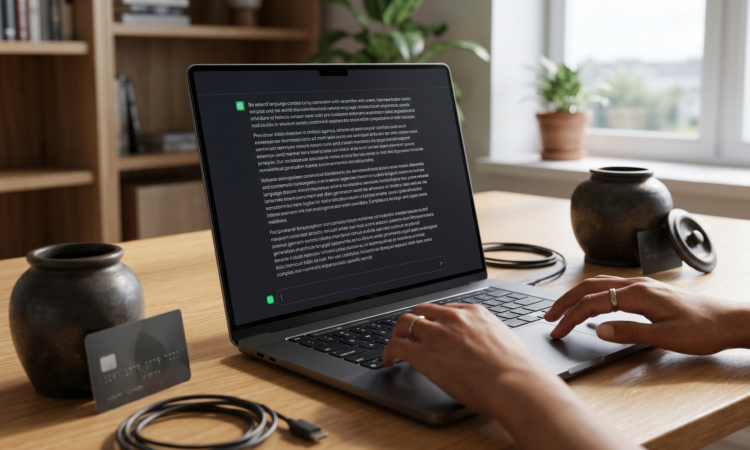
But what if I told you that the laptop sitting on your desk right now likely already has the physical hardware required to run those exact types of AI models locally, completely offline, and absolutely free?
The secret lies in a tiny, unsung hero of modern computing: the NPU. If you want to stop paying monthly subscriptions and reclaim your data privacy, here is the ultimate 2026 computing lifehack.
What is an NPU and Why Should You Care?
Over the last couple of years, laptop manufacturers have aggressively pushed the “AI PC” marketing trend. Whether you bought a Windows Copilot+ machine with a Snapdragon X Elite, an Intel Core Ultra device, an AMD Ryzen AI Max laptop, or a modern Apple Silicon MacBook, your computer has a Neural Processing Unit (NPU).
Think of an NPU as a highly specialized digital calculator. While your main CPU handles general tasks and your GPU handles heavy 3D graphics, the NPU is designed strictly to handle machine learning mathematics.
- The Problem: Most people only use their NPU for blurring their background during video calls. That is essentially like buying a sports car just to listen to the radio in the driveway.
- The Lifehack: You can hijack that dormant processor to run powerful Large Language Models (LLMs) right on your desktop.
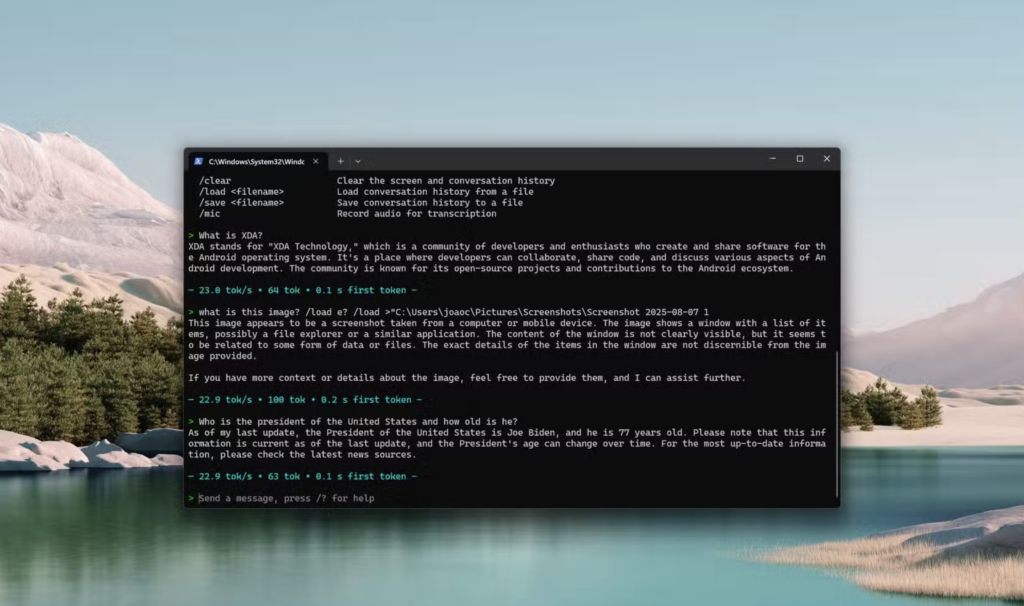
Cloud AI vs. Local NPU AI
Why go through the effort of running AI on your own machine instead of just opening a web browser? The benefits of running models natively are staggering.
| Feature | Cloud AI (e.g., ChatGPT, Gemini) | Local NPU AI |
| Monthly Cost | $20 to $30 | $0 |
| Data Privacy | Prompts are stored on corporate servers | 100% private, zero data leaves your PC |
| Internet Required | Yes | No, works fully off the grid |
| Battery Drain | Minimal (processed remotely) | Highly efficient (NPUs sip 2W to 5W of power) |
The Step-by-Step Bypass Guide
As of April 2026, you do not need a computer science degree or a command-line interface to get this working. The open-source community has built incredible, user-friendly software that automatically taps into your hardware.
Step 1: Download a Local LLM Manager
You need software to host the AI. The absolute best graphical interface for beginners right now is LM Studio. You download it like any regular application, and it provides a sleek chat interface that looks exactly like the premium web tools you are used to. If you are slightly more technical, Ollama is a phenomenal backend alternative that recently rolled out massive NPU optimization updates via Intel’s OpenVINO and Qualcomm frameworks.
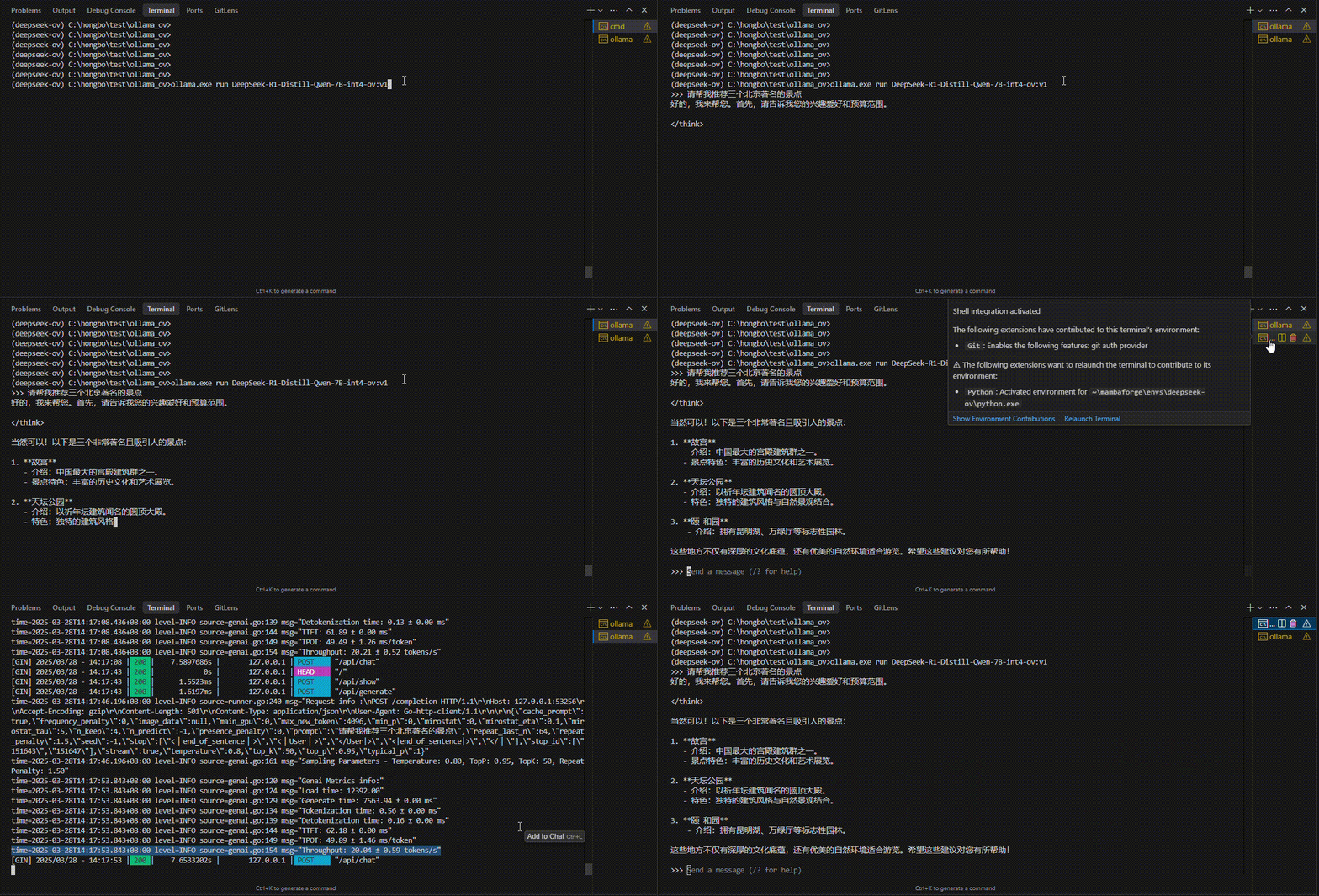
Step 2: Download a Quantized Model
You cannot run a massive, trillion-parameter data center model on a laptop. Instead, you will download “quantized” models. These are brilliantly compressed versions of highly capable AIs designed specifically for consumer hardware.
Open your manager and search for models tuned for your laptop. Look for powerhouses like Meta’s Llama 3 8B or Microsoft’s Phi-4. These models are terrifyingly smart and usually only require about 4GB to 8GB of system memory.
Step 3: Force the NPU Handshake
This is the most critical part of the hack. By default, local AI software might try to use your standard CPU to generate text. This will make your computer sound like a jet engine and drain your battery in thirty minutes.
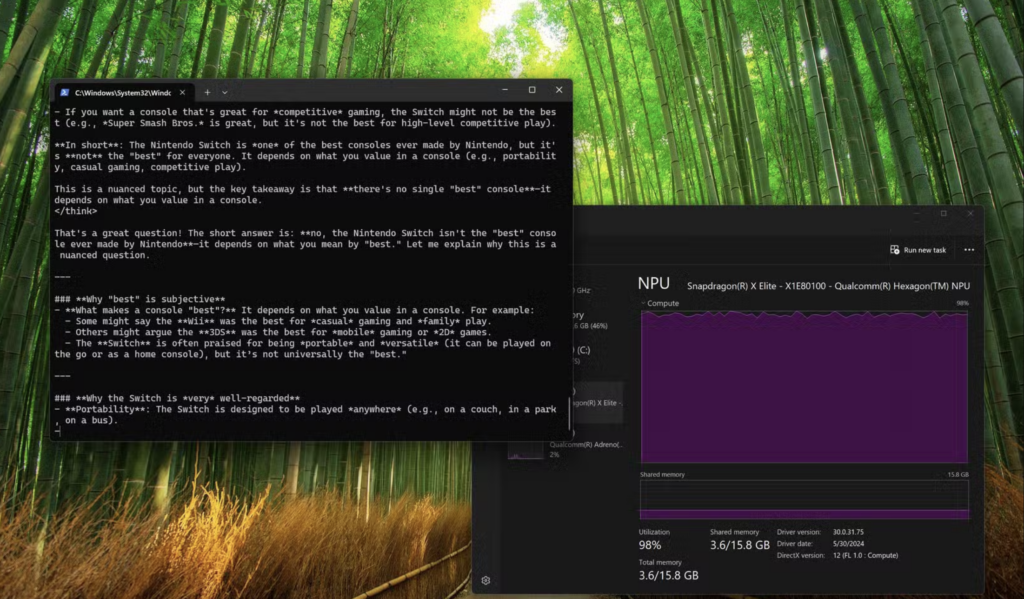
Go into the hardware settings of LM Studio and explicitly select your NPU as the primary compute device (often labeled as OpenVINO for Intel, or Neural Engine for Apple).
“The magic of NPU inferencing is efficiency. By routing the complex AI math strictly to the NPU, your laptop can generate text at 20 words per second while sipping a mere 3 watts of power.”
Practical Ways to Use Your Offline AI
Once you have your local model running efficiently on your NPU, you effectively have a digital assistant that never sleeps, never goes down for maintenance, and never requires an internet connection.
- The Confidential Summarizer: Because your local AI does not send data to the cloud, you can safely feed it sensitive information. Drop in confidential work documents, unreleased code, or personal tax PDFs, and ask the AI to summarize them securely.
- The Airplane Coder: If you are a developer stuck on a Wi-Fi-less flight, you can use NPU-accelerated tools to auto-complete your code, write Python scripts, or debug syntax errors entirely offline.
- The Unfiltered Brainstormer: Cloud models aggressively filter their responses based on corporate safety guidelines. Local open-source models are notoriously less restricted. If you are writing a gritty crime novel and need to brainstorm a fictional heist, your local AI will actually help you instead of delivering a lecture on ethics.
Tech companies are banking heavily on the fact that you will keep paying a monthly subscription out of sheer convenience. Taking twenty minutes to install LM Studio, download a lightweight model, and route it through your NPU is the ultimate computing lifehack. You reclaim your data privacy, you save hundreds of dollars a year, and you finally put that expensive hardware to actual use.