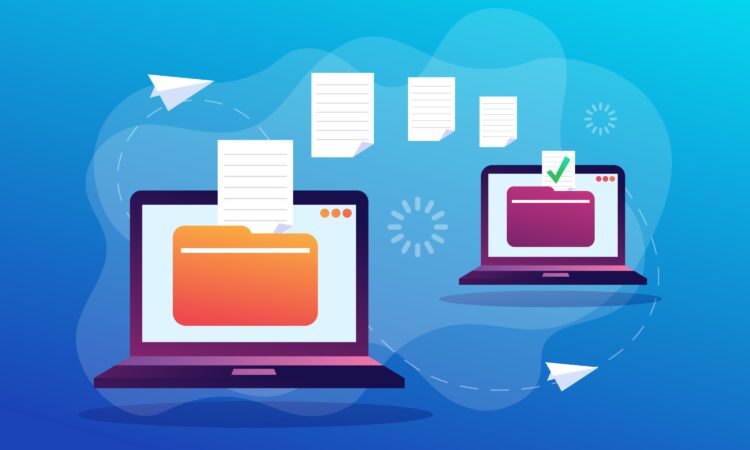
Getting a new computer is exciting, but transferring years of documents, photos, videos, music, and personal files can feel overwhelming. Fortunately, moving your data from an old PC to a new one does not have to be a complicated process. Several reliable methods allow you to transfer everything safely while keeping your information organized.
The best approach depends on how much data you need to move, how quickly you want the transfer completed, and what tools you already have available. Whether you prefer a hands-on method, wireless transfer, or automated software, there are options for every situation.
One of the simplest solutions is to move files manually using external storage. A USB flash drive or external hard drive allows you to copy files from your old computer, connect the storage device to your new machine, and transfer everything over.
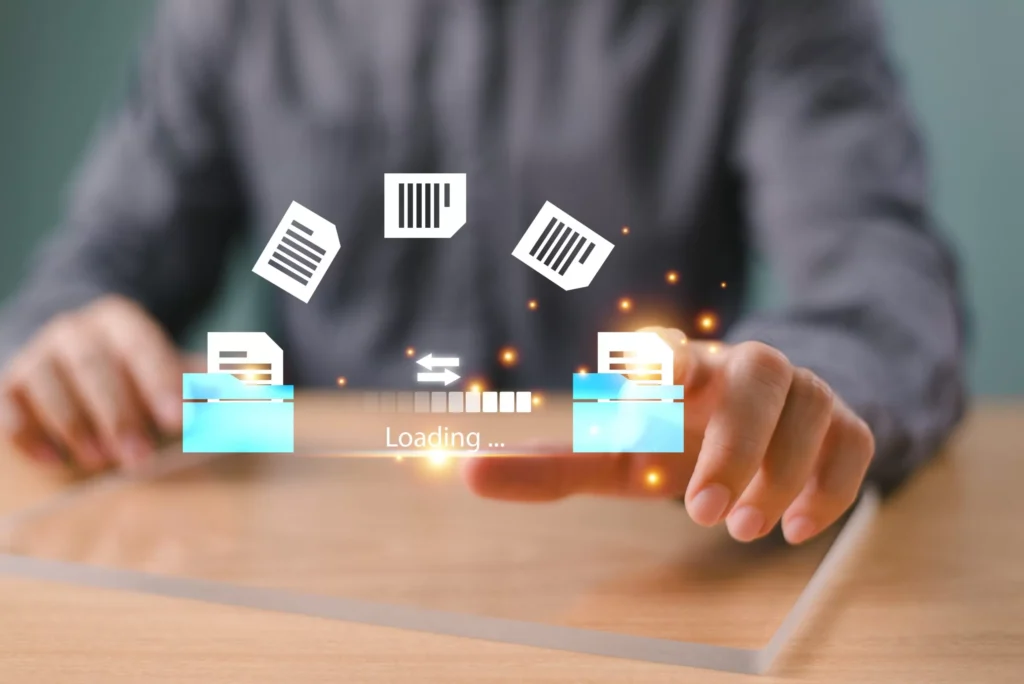
To do this, connect the external drive to your old computer and copy the folders you want to keep. After the transfer finishes, safely remove the drive and connect it to your new computer. From there, you can copy the files into their new location.
External storage is useful because it does not depend on internet speed and can handle large amounts of data. Faster connection types can make the process even quicker, especially when transferring large video collections or backup folders.
Another option is using online storage. Cloud-based file storage lets you upload your documents from your old computer and access them from the new one. This method is convenient because you do not need extra hardware and can transfer files from almost anywhere.
The process is usually straightforward: upload your files from the old device, open your account on the new computer, and download the data you need. Many services offer limited free storage, with additional space available through paid plans.
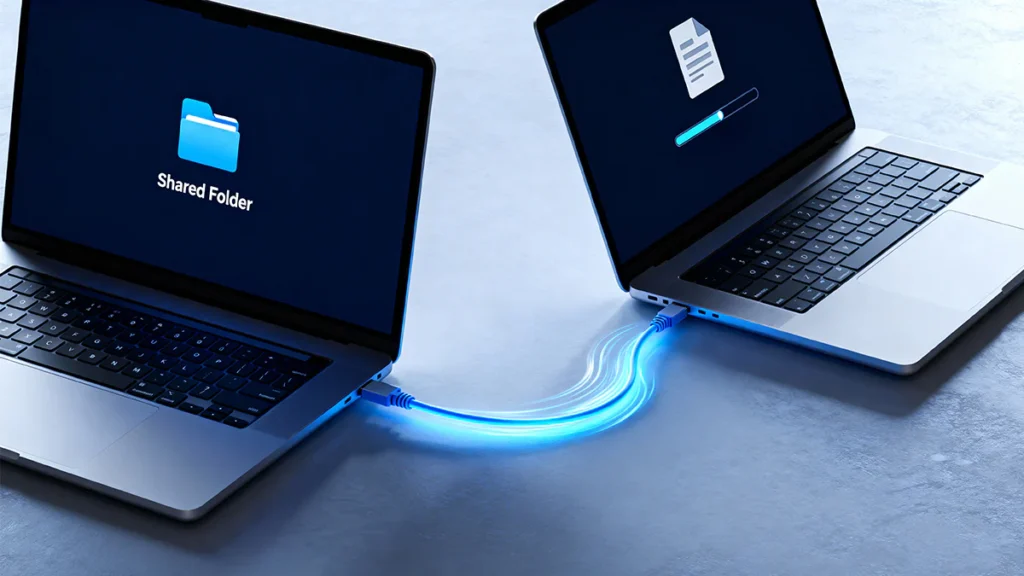
For users who want a faster direct connection, a transfer cable can be a practical solution. These special cables connect two computers together and often include software that helps automate the migration process.
Unlike using an external drive, a transfer cable creates a direct link between the two machines. This removes the need for an intermediate storage device and can speed up the movement of large amounts of information.
Modern high-speed connection technologies can make computer-to-computer transfers even faster. Some newer computers support advanced wired connections that can move large files at extremely high speeds. With compatible hardware and the right software, transferring videos, applications, and large folders becomes much more efficient.
For people who want a simpler experience, dedicated migration programs can handle much of the work automatically. These tools can help move files, user settings, and sometimes even installed applications from an older computer to a newer one.
Automated migration software is especially helpful for users who are unsure where all their important files are stored. Instead of searching through folders manually, the program can guide the transfer and reduce the chance of missing something important.
Moving files between different operating systems, such as switching between a PC and a Mac, requires a slightly different approach. External drives, cloud storage, and network transfers can still work, but some systems also include built-in migration tools designed to help move personal information between platforms.
After transferring everything, do not immediately get rid of your old computer. Keep it available for a while in case you discover that a forgotten document, photo, or project folder was left behind.
When you are ready to sell, recycle, or give away the old device, remember that moving your files does not remove your personal information. Simply deleting documents is not always enough because deleted data may still be recoverable.
Before handing over an old computer, use a proper data-wiping method to remove personal information. This helps protect private documents, saved accounts, and other sensitive details from being accessed by someone else.
A new computer is also the perfect time to improve your backup habits. Creating regular backups ensures that your important files remain safe if your device is damaged, lost, or affected by unexpected problems.
Automatic backup tools can save copies of your documents, photos, and other important data without requiring you to remember to do it manually. External drives and online storage solutions can both be part of a reliable backup strategy.
Ultimately, transferring files is only one part of managing your digital life. The most important step is making sure your valuable information stays protected before, during, and after the move. With the right method, upgrading to a new computer can be smooth, fast, and stress-free.