Let’s talk about cybersecurity with the kind of honesty you reserve for your password habits (yes, no, “password123” is not a good idea). In a world where threats evolve faster than your favorite software updates, Zero Trust is more than a buzzword – it’s a serious shift in how we think about safety on our computers, whether at home or at work. But don’t worry – this is written in plain English, not alien tech speak.
What is Zero Trust? (And No, It’s Not Just Being Paranoid)
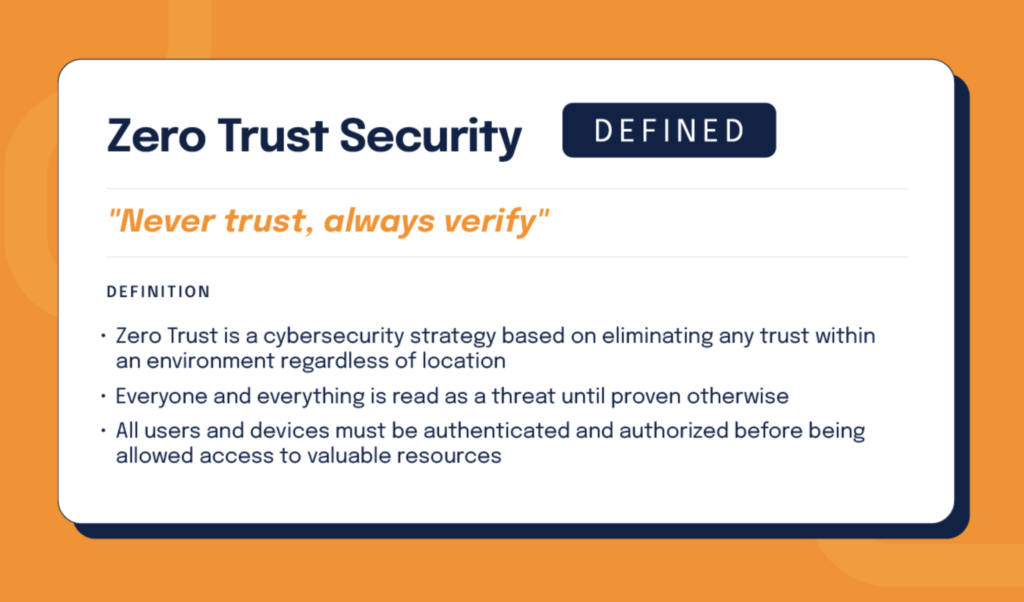
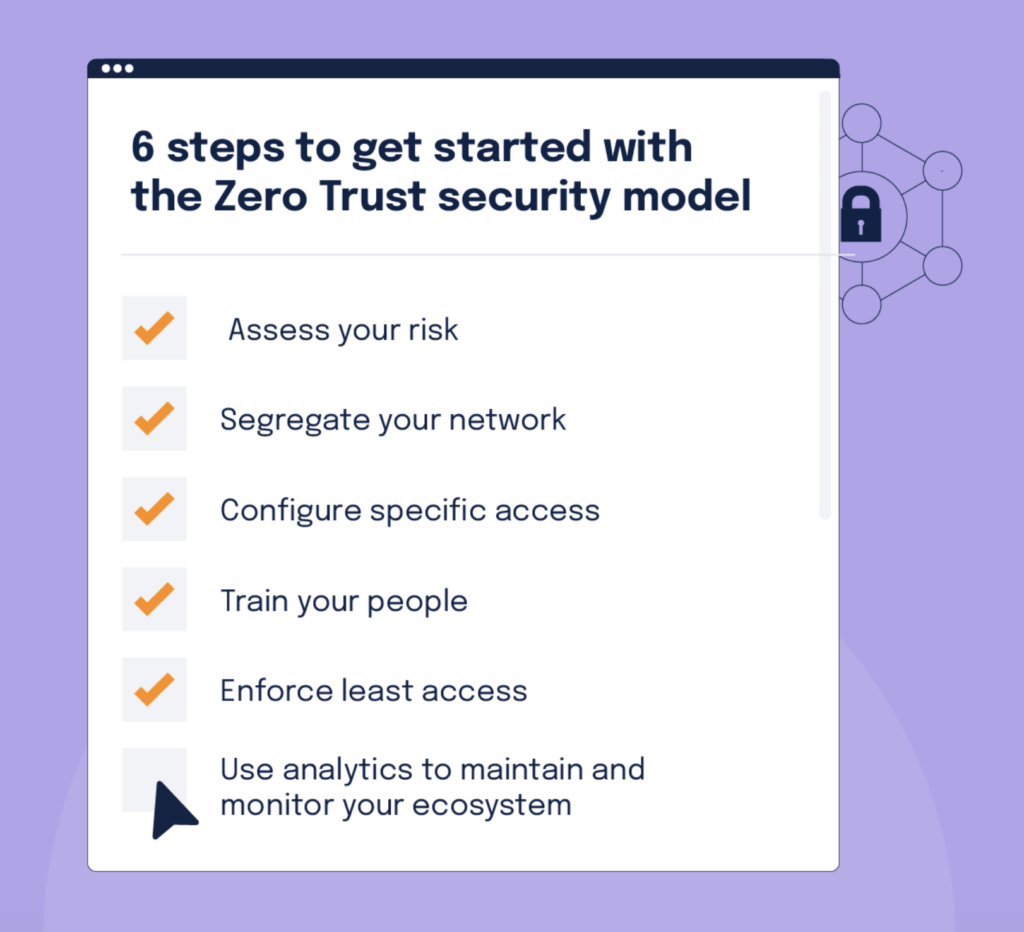
At its core, Zero Trust means never trust anything by default – verify everything. That’s it. Instead of assuming your home Wi-Fi or corporate VPN is safe just because you’re “inside,” the Zero Trust model checks every user, every device, and every request before granting access to anything important. That’s a big shift from the old “castle and moat” security mindset.
Older security systems said, “You’re on the network, you must be good.”
Zero Trust says, “Prove it – every single time.”
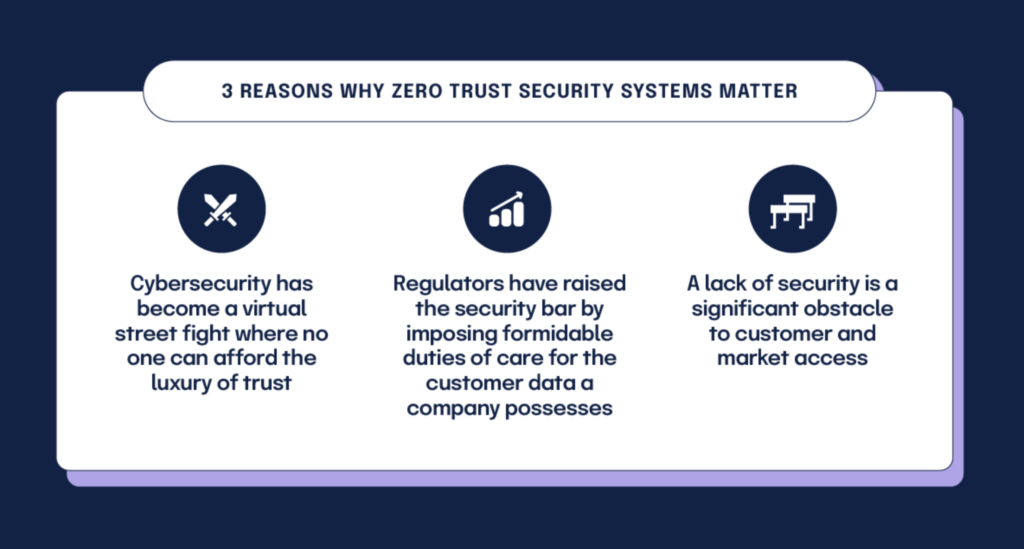
Why This Matters
Let’s be honest: your digital life is messy. You’re juggling phones, laptops, home assistants, tablets, and maybe a smart fridge you still don’t know how to update. Every one of those is a potential risk point hackers can exploit.
Here’s why Zero Trust matters today:
1. The “Perimeter” Is Gone
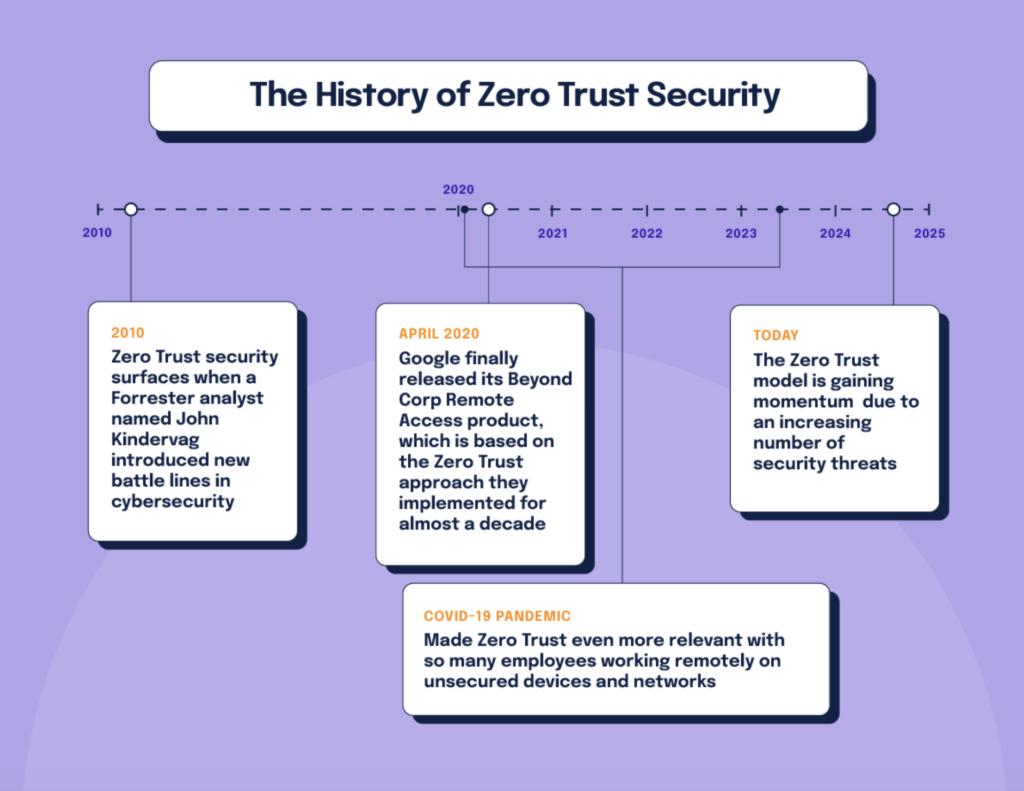
No one just sits behind a neatly guarded network wall anymore. Remote work, cloud apps, and personal devices mean everything is connected. Old-style perimeter defenses like simple firewalls just can’t keep up.
2. Cyberattacks Are Smarter
Hackers don’t just blast doors down. They slip in through tiny cracks – phishing, weak device security, stolen credentials – and move sideways once inside. Zero Trust shrinks the blast radius by checking identity and context every time.
3. Remote and Hybrid Work Is Normal
Employees and family members work from everywhere – coffee shops, airports, home offices. Zero Trust applies consistent verification, whether you’re on your secure office workstation or your kid’s gaming laptop.
Zero Trust in Simple Steps
Here’s what Zero Trust looks like when you break it down:
- Trust Rule: Never trust. Always verify. (That means confirming identities, device status, and intent before allowing access.)
- Least-Privilege Access: Only give users or devices the access they need, not everything under the sun. It’s like getting a house key that only opens your bedroom, not the whole mansion.
- Continuous Monitoring: Every access attempt gets logged and evaluated – not just once, but every time something changes, like location or network.
Who Should Care?
| User Type | Why Zero Trust Matters | Quick Example |
| Home Users | Hackers attack “easy targets” first – your router, smart gadgets, old laptops. | Device verifies identity before accessing your bank website. |
| Remote Workers | Your work data is no longer locked in an office – it’s everywhere. | Your computer checks credentials even on VPN. |
| Small Businesses | A breach means lost trust, lost money, maybe lost customers. | Multi-factor authentication (MFA) stops a stolen password cold. |
| Tech Enthusiasts | More gadgets = more risk. | Every device must prove it belongs before connecting. |
Funny How Zero Trust Becomes Sensible
Here’s a truth bomb: your Wi-Fi password isn’t secret anymore. A friend once visited and now your network name is on three devices you forgot about. Zero Trust wouldn’t just say “Hey, you’re connected – welcome!” – it would ask, “Who are you? Are you verified? Does this device even belong here?”
In a way, Zero Trust is like a cautious bouncer at the exclusive club of your data – but friendlier (and less pricey).
Common Misunderstandings (Debunked)
“Zero Trust means no one ever gets in.”
No. It means access is controlled and verified – like security at the airport, not Fort Knox.
“It’s only for big companies.”
Not true. Principles of Zero Trust scale down to small networks and personal setups too – especially with modern tools like MFA and device checks.
“It breaks usability.”
It can add steps – but if those steps stop a breach louder than a kitchen fire, they’re worth it. And smart Zero Trust setups streamline access over time.
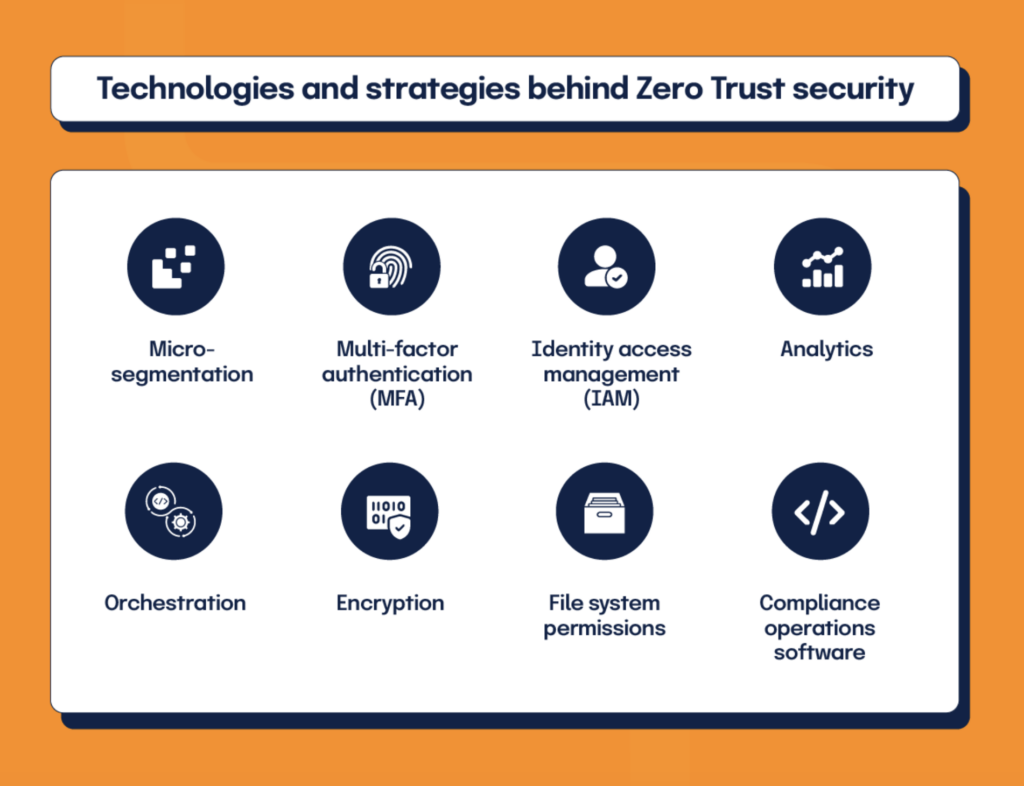
Zero Trust at Home – A Friendly Checklist
Here’s a practical list you can use right now:
- Enable Multi-Factor Authentication (MFA) everywhere you can.
- Use strong, unique passwords (no recycled dog names).
- Update devices and software regularly – don’t procrastinate.
- Use a reliable password manager for convenience and safety.
- Separate devices/network zones (e.g., guest Wi-Fi for IoT devices).
- Check and remove old devices from accounts you no longer use.
Final Thought
Zero Trust might sound like a buzzword, but it’s not fancy jargon – it’s reality catching up with convenience. As our digital lives weave through home Wi-Fi, cloud storage, and remote work setups, Zero Trust brings a simple idea back: safety first – always verify. Embracing it now means fewer headaches, fewer breaches, and more peace of mind in 2026 and beyond.