It is March 2026, and if you have walked into an electronics store recently, you have probably noticed something completely unavoidable: almost every laptop box is screaming the letters “AI” at you. The marketing is relentless, but the real star of the show behind all this hype is a tiny piece of silicon called the NPU.
Laptop manufacturers want you to believe that without an AI PC, you are basically computing in the Stone Age. But what does this hardware actually do for the average person? Is it a mandatory upgrade, or just an expensive buzzword? Let us cut through the jargon and figure out if you actually need to pay the AI tax this year.
What in the World is an NPU?
To understand the NPU, or Neural Processing Unit, you have to look at the other chips currently doing the heavy lifting inside your computer. Think of your laptop’s processors as a team of specialists:
- The CPU (Central Processing Unit): This is the generalist brain of your computer. It runs your operating system, opens your applications, and loads your web pages.
- The GPU (Graphics Processing Unit): This is the graphics specialist. It handles high-resolution visual data, drives your video games, and powers heavy creative workloads. The catch is that GPUs consume a massive amount of power to do their job.
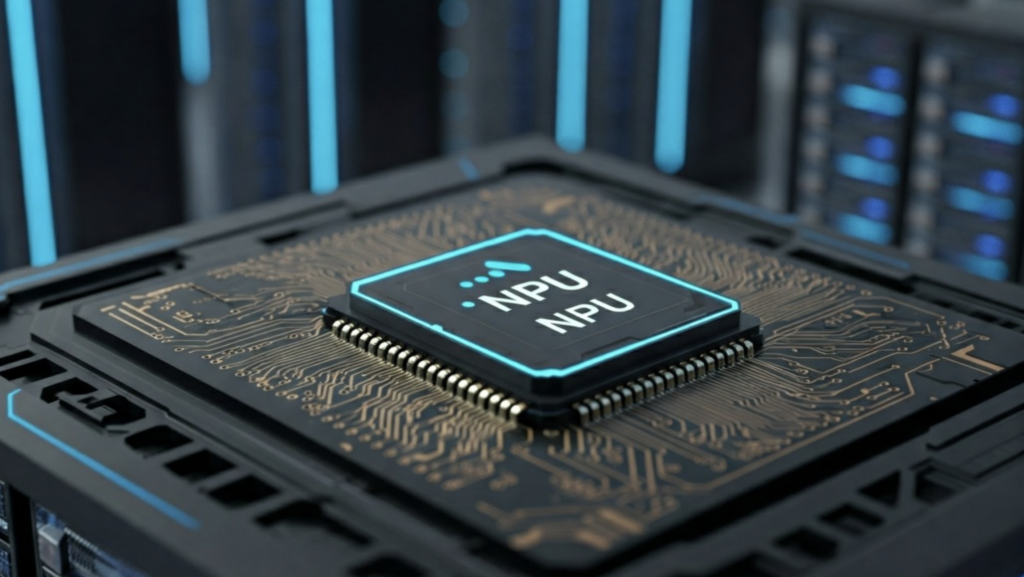
- The NPU (Neural Processing Unit): This is the AI specialist. It is a processor engineered specifically to perform artificial intelligence and machine learning tasks by running complex matrix calculations in parallel.
The magic of the NPU is not just that it runs AI tasks, but that it runs them with incredibly low power consumption.
The “Copilot+” Standard and the 40 TOPS Rule
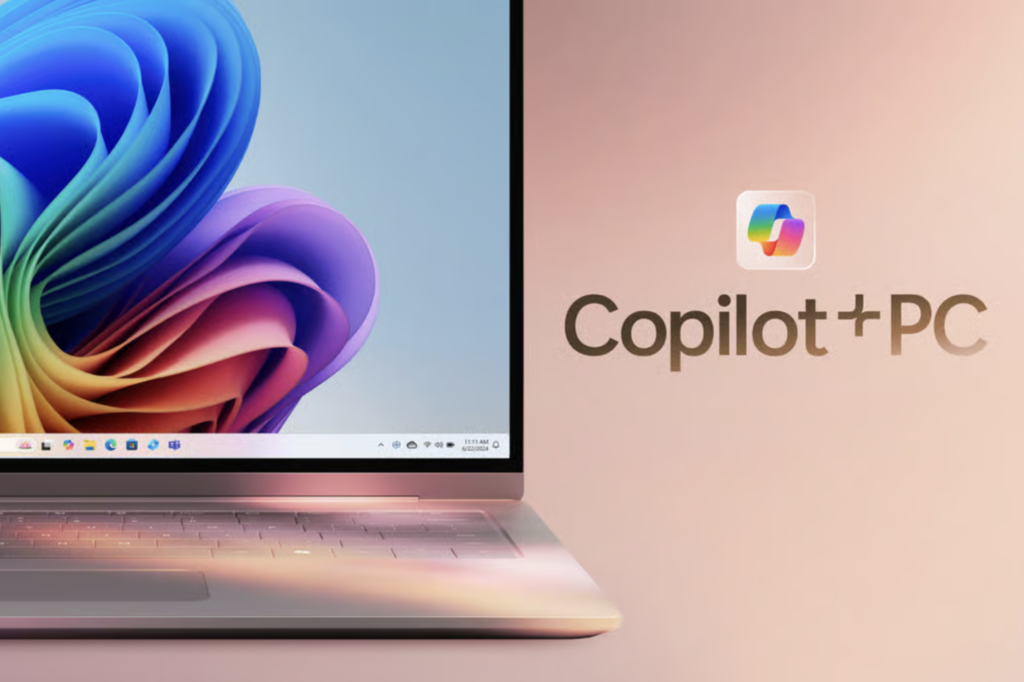
You will likely see the term “Copilot+ PC” plastered across premium devices. Microsoft created this certification to establish a baseline for next-generation Windows AI features.
To earn this badge, a laptop must have 16GB of RAM, 256GB of storage, and most importantly, an NPU capable of at least 40 TOPS. TOPS stands for Trillions of Operations Per Second, which is exactly what it sounds like: a measurement of how much math the chip can do instantly.
The industry has absolutely rallied behind this requirement. AMD’s Ryzen AI 300 Series processors feature NPUs capable of up to 50 TOPS, with newer models pushing 60 TOPS. Intel Core Ultra chips and Qualcomm Snapdragon X processors also easily clear this 40 TOPS hurdle to deliver seamless local AI processing.
What Does an NPU Actually Do for You?
If you buy an AI PC today, you are not just getting a smarter chatbot. You are getting tangible, everyday hardware benefits.
“When people ask what an NPU does, the answer is simple: it makes everyday computing better.”
Here is how that dedicated chip changes your daily workflow:
- Massive Battery Savings: NPUs handle AI tasks at 5 to 10 watts, compared to the 30 to 40 watts a GPU would require for the exact same job. This can extend your battery life by 15% to 20% during AI-intensive workloads, potentially adding hours of all-day battery life.
- Smarter, Lag-Free Video Calls: AI-based features like face framing, extreme background blur, and real-time noise reduction run directly on the NPU. This keeps your meetings smooth and prevents your laptop from overheating during a two-hour conference call.
- Unmatched Local Privacy: Historically, asking an AI to summarize a document meant uploading your private files to a cloud server. NPUs enable “on-device AI,” meaning your laptop runs Small Language Models locally. Your sensitive data never leaves your device, and the features work perfectly even without an internet connection.
- Instant Productivity Tools: Features like Windows “Click to Do” allow you to use natural language to instantly search, rewrite, or summarize text anywhere on your screen using visual intelligence.
The Price Tag: How Much Does the “AI Tax” Cost?
When Copilot+ PCs first launched, they carried a hefty premium, with devices starting at $999. However, by 2026, the dreaded “AI tax” has significantly flattened out.
Today, you can easily find excellent entry-level AI laptops starting between $600 and $700. For example, the Acer Aspire 14 AI offers a 40 TOPS NPU for just $699. During major sales events, some base-model Copilot+ PCs have even dropped as low as $599.
If you prefer macOS, Apple’s M4 and M5 MacBook Air models, which feature upgraded Neural Engines optimized for Apple Intelligence, generally start around $1,099, though aggressive sales frequently bring the 13-inch M4 model down to $949.
However, there is a hidden cost you need to watch out for: memory. Because local AI models are incredibly memory-hungry, 16GB of RAM is now the absolute bare minimum to run these features smoothly, and 32GB is quickly becoming the standard for power users.
You can no longer get away with a cheap 8GB laptop, meaning you have to buy higher RAM configurations right out of the gate. If you want a premium machine with an OLED screen and a high-end NPU, like a Dell XPS 14, a Microsoft Surface Pro, or a ThinkPad X1 Carbon, expect to pay anywhere from $1,100 to over $1,600.
The Verdict: Do You Actually Need One?
We know the tech is cool, but let us look at whether it actually fits your specific needs.
| User Profile | Do You Need an NPU? | The Reality Check |
| The Casual Scroller | No | If your daily routine consists of streaming video, answering emails, and online shopping, standard processors are perfectly fine. Basic AI tasks only require 20 to 30 TOPS. |
| The Remote Professional | Yes | If you spend half your life on video conferences, the NPU is a game-changer. The real-time transcription, background blurring, and massive battery savings make the upgrade entirely worth it. |
| The Creative & Developer | Yes (With a Catch) | NPUs are fantastic for running AI tools, like smart masking in Adobe Lightroom. However, if your goal is to build, train, or render massive 3D models, you still absolutely need a dedicated, high-end GPU. |
The bottom line for 2026 is this: you do not need to throw away a perfectly good laptop just because it lacks an AI sticker. But if you are already in the market for a new machine, buying an AI PC with a strong NPU is the best way to future-proof your purchase. Your battery life, and your lap’s temperature, will thank you.